Backyard Power Tycoon Updates & Patch Hub
Track what shipped since the November 2026 launch without invented patch IDs.
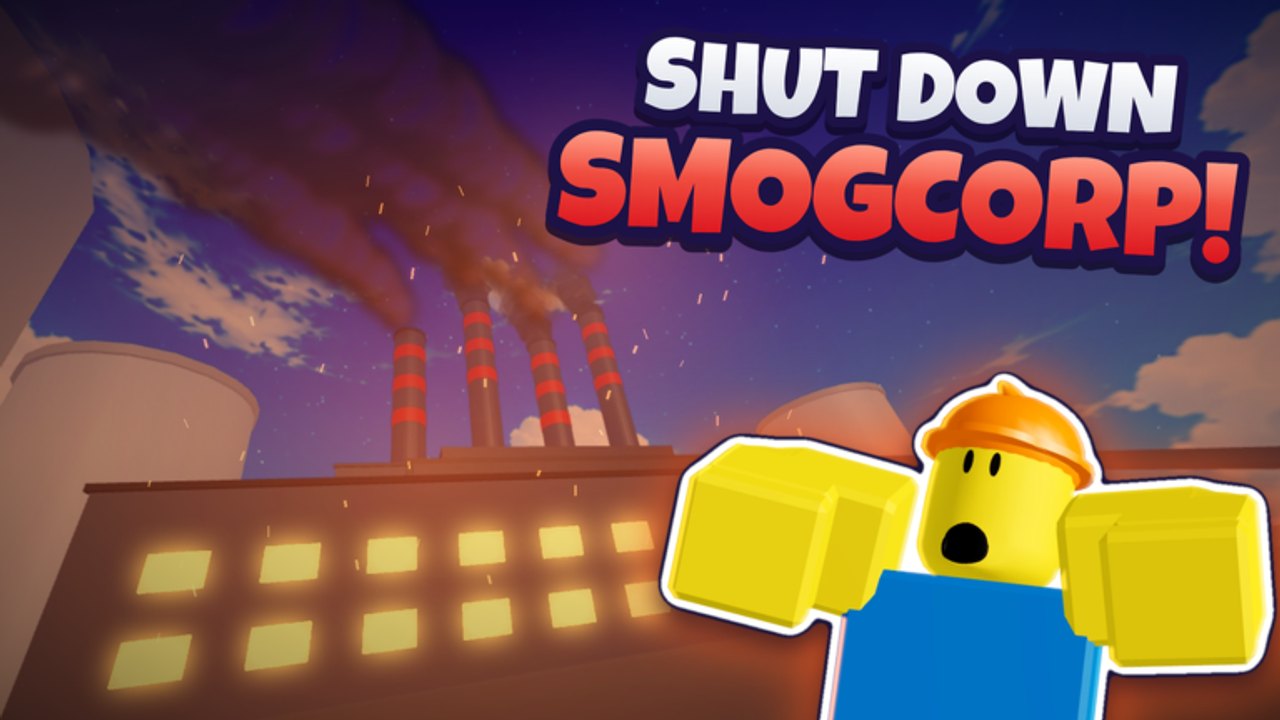
Backyard Power Tycoon launched on Roblox on 2026-11-06 under developer Maxi221435 (place ID 80557686191437). Through late November 2026 the experience stayed active with a large visit count and busy peak concurrency. This hub collects what we can verify from the live Roblox listing and community chatter—not fictional patch numbers or changelog rows that never appeared publicly.
For a focused November roundup, open November 2026 Updates. For gameplay systems those updates sit on top of, use Guides, Codes, and the Players Hub.
How to read this hub
Roblox tycoons often ship quiet hotfixes without a numbered blog. When that happens, inventing “Patch 1.2.3” entries hurts players. Our rule:
- Prefer dated snapshots tied to the store page, codes, and observable features.
- Label speculation clearly; keep mechanics aligned with
factsused across the wiki. - Link guides when a “update” is really a system players need to learn (robots, SmogCorp, friend boosts).
If Maxi221435 publishes an official notes post later, we will add a dedicated child page beside the November snapshot.
Launch timeline (known)
| Date / window | What we know |
|---|---|
| 2026-11-06 | Public release on Roblox |
| Early–mid Nov 2026 | Core loop live: crank → batteries → sell → reinvest |
| Through late Nov 2026 | Listing still highlights full feature set; community shares codes such as WELCOME |
| Visit / concurrency | On the order of ~513k+ visits with thousands concurrent at peaks (figures move daily) |
Exact hotfix timestamps are not always posted. Treat the November page as a living feature inventory, not a fake diff of every server restart.
Feature set reflected in the live listing
As of the November 2026 store description, players can expect:
- Machines from hamster wheel / hand crank up through solar, wind, water, generators, nuclear, and fusion
- Research tree upgrades for machines and character
- Robot helpers that crank, deliver, sell, and keep production moving
- Land expansion from extra yard space to industrial zones
- Day, night, and weather affecting solar and wind output
- Rival SmogCorp—outgrow them and shut them down
- Trophies and garden decorations
- Co-op: up to 4 builders on one house, servers up to 6 players
- Economy: Coins plus Moon Credits, with +10% Coins per Roblox friend up to +50%, invites from inside the game
Deep dives: Getting Started, Robots & Automation, Beat SmogCorp, Friend Boosts, Machines tier list.
Codes and live ops
Promo codes rotate. The widely shared starter code WELCOME belongs on the Codes page with redemption steps in How to Redeem. When a code dies, update codes—not this hub’s feature inventory—unless the developer ties a reward to a named event.
What belongs on child update pages
- Month or era roundups grounded in public info (example: November 2026)
- Later: named events, balance notes, or developer posts when they exist
- Cross-links to guides when a change teaches a new loop
Avoid dumping full strategy essays here; keep strategy in Guides and Money Making so update pages stay scannable.
Related wiki map
- November 2026 Updates — launch-month snapshot
- Wiki overview — about the game and this site
- Scripts — community script notes (use at your own risk)
- Tier List — machine priorities after patches
- Layout Guide — rebuild advice if land or robot rules shift
Check back after major listing changes or new codes. Until official numbered patch blogs appear, this hub remains the honest index of release facts and live systems, not a fabricated changelog.
Frequently Asked Questions
Quick answers for Backyard Power Tycoon players.
When did Backyard Power Tycoon release?
The game released on Roblox on 2026-11-06, developed by Maxi221435.
Where are detailed November notes?
See the November 2026 Updates page for a launch-era feature snapshot based on the live listing and community info.
Why are there no patch version numbers?
Public numbered changelogs were not consistently posted. We document verified features and dates instead of inventing patch IDs.
Do updates change codes?
Codes can rotate independently. Always verify active rewards on the Codes page before redeeming.
Where do I learn new systems after an update?
Use Guides for how-to play, Players for co-op and friend boosts, and Tier List for machine priorities.